

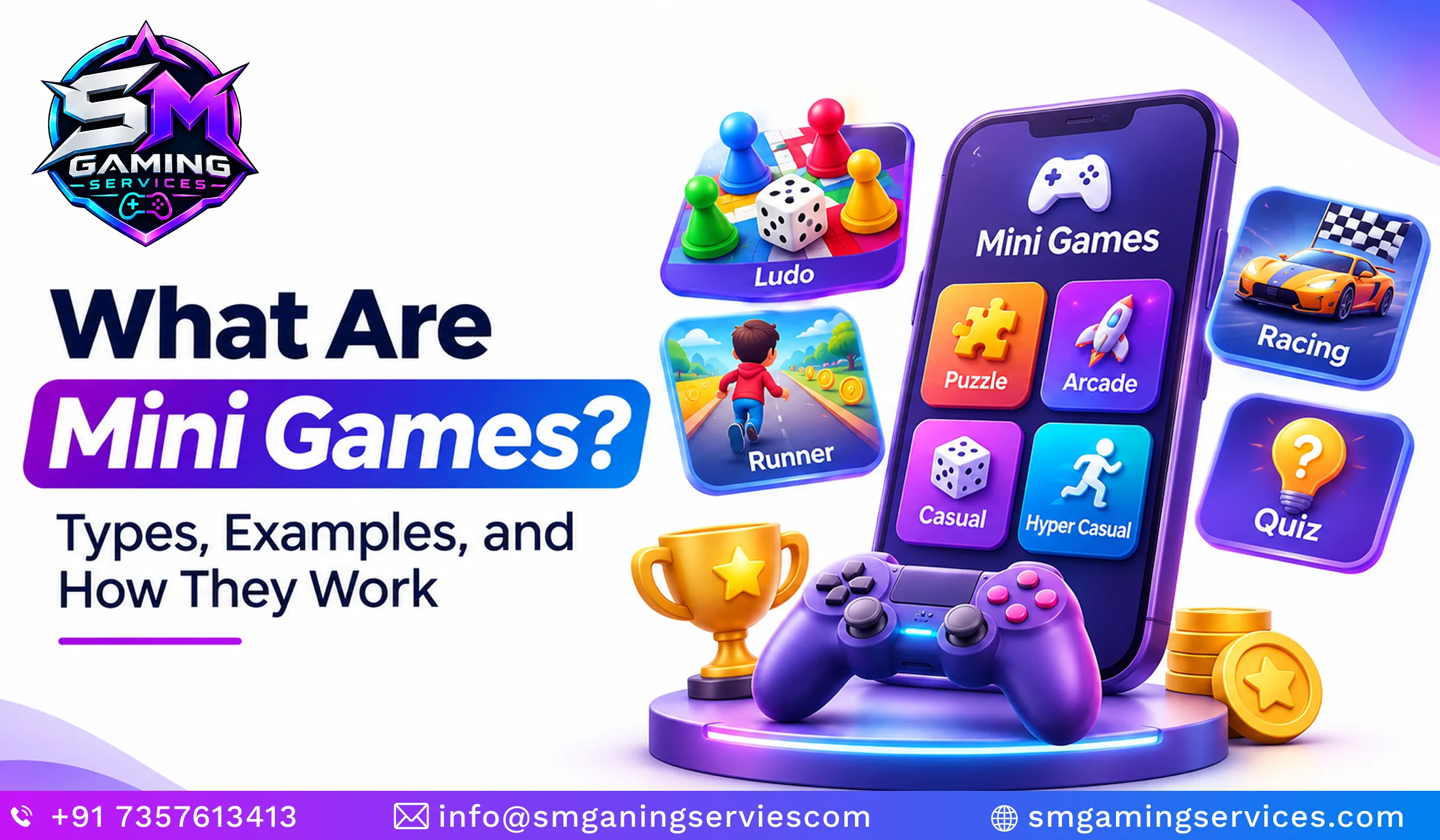
Mini games are short, focused gaming experiences built around a clear objective and a small set of rules. You might match cards, answer a quiz, complete a quick race, or catch a fish inside a larger adventure. Their appeal is straightforward: players can understand the challenge quickly and start enjoying it without learning complicated systems.
But what are mini games beyond quick entertainment? They can also help people practise skills, explore products, and participate in interactive campaigns. Some work directly in a browser, while others appear inside mobile apps, console titles, or online platforms.
For businesses, the opportunity comes from connecting enjoyable gameplay with a useful purpose. A product quiz can explain features, while a matching challenge can introduce a new collection.
This guide explains the main types of mini games, how their gameplay works, and where they fit. You will also find practical examples, comparisons, development considerations, and answers to common questions, helping you choose an experience that suits your audience, platform, and goals without adding unnecessary complexity or distractions.
What Are Mini Games? Definition and Key Takeaways
Mini games are compact interactive experiences that concentrate on a specific challenge rather than a large collection of interconnected systems. Players usually learn the rules quickly, attempt an objective, and receive an immediate result. However, there is no universal duration, platform, or complexity limit that defines every example. Some exist independently, while others provide optional activities within larger games. Understanding their purpose helps explain their variety: a memory challenge tests recall, a short race tests timing, and a campaign quiz introduces information through participation instead of passive reading or viewing.
Simple Definition of Mini Games
A mini game is a small, focused game with an understandable objective and a limited set of gameplay mechanics. Players might connect matching objects, avoid obstacles, or select correct answers. The experience can stand alone or belong to another game. Its defining feature is a contained challenge, rather than any fixed time limit, visual style, or requirement for internet access.
Key Takeaways About Mini Games
Mini games share several practical characteristics, although individual experiences can differ considerably. Their value comes from matching the challenge to the player and situation. Someone taking a brief break needs a different experience from someone completing a training activity. Before comparing formats, remember these essential points about their structure, availability, and possible uses across entertainment, education, and business settings today.
- Short gameplay sessions are common, but there is no fixed duration.
- Controls and objectives are usually easy to understand.
- Games can run on browsers, mobile devices, computers, and consoles.
- Popular formats include puzzles, quizzes, races, and sports challenges.
- Experiences can support entertainment, education, or interactive marketing.
- Both standalone and embedded formats are possible.
Quick Answer: What Is a Mini Game?
A mini game is a short, focused game built around one or a few simple mechanics. For example, a memory matching game asks players to flip cards, remember their positions, and find matching pairs. Players repeat this action until they complete the board, reach a target, or run out of attempts.
How Do Mini Games Work?
Mini games work by giving players a clear task, accepting their actions, and responding according to a defined set of rules. The game checks whether each action changes the score, advances progress, or ends the attempt. Players then receive feedback that helps them understand what happened and what to try next. This creates a repeatable cycle of action and response. Successful design keeps that cycle understandable while introducing enough variation to sustain interest. Difficulty, feedback, and pacing should support the intended experience rather than overwhelm beginners with unnecessary complexity early.
The Basic Mini Game Gameplay Loop
The basic gameplay loop is the sequence players repeat while attempting a challenge. In a matching game, they reveal cards, compare symbols, and try again using what they remember. In a racing challenge, they steer, avoid obstacles, and pursue a faster finish. Each attempt should make the relationship between player decisions and the resulting outcome easy to understand and evaluate.
- Start: Enter the challenge and read the objective.
- Act: Tap, swipe, click, drag, or use a controller.
- Respond: Watch the game react to the input.
- Finish: Receive a score, result, or reward.
- Repeat: Replay or continue to another activity.
Common Controls, Rules, and Winning Conditions
Controls explain how players interact, rules determine what actions mean, and winning conditions define success. A penalty challenge might use dragging to aim and releasing to shoot. The rules could allow five attempts, with three goals required to win. Showing these details before play reduces confusion and lets players concentrate on improving their performance instead of guessing what happens next.
- Controls: Clicking, tapping, swiping, dragging, or button presses.
- Rules: Time limits, available moves, permitted actions, or limited attempts.
- Success: Reach a score, complete a task, or finish first.
- Feedback: Animations, sounds, messages, and visible progress indicators.
How Scoring, Rewards, and Progression Work
Scoring measures performance, while rewards recognise progress or unlock something useful. A quiz might award points for correct answers, and a puzzle might celebrate completion without using points. Progression can introduce harder patterns, shorter timers, or new challenges. Rewards should reinforce enjoyable participation, with clear explanations of what players earn and whether anything carries into the wider experience after completion.
- Points and personal bests.
- Achievement badges and cosmetic unlocks.
- Optional leaderboards.
- Additional levels or challenges.
- Progress connected to a larger game or app.
What Are the Main Types of Mini Games?
The main types of mini games include puzzles, arcade challenges, trivia, sports activities, rhythm games, simulations, and branded experiences. These categories describe the central activity rather than strict boundaries. A cooking challenge, for example, might combine simulation with timed tapping, while a product quiz can serve both education and marketing. Choosing a category should begin with the intended player experience. Consider whether you want people to think, react, remember, compete, or explore. The strongest mini game ideas connect that action to a clear purpose and a manageable scope from the beginning.
Puzzle and Logic Mini Games
Puzzle mini games ask players to solve a contained problem using observation, memory, reasoning, or pattern recognition. Familiar formats include matching pairs, arranging tiles, completing words, and solving number sequences. Difficulty can increase through larger boards or more demanding patterns. A good puzzle provides enough information for players to understand mistakes and develop a better approach during their next attempt.
- Memory matching cards.
- Match-three puzzles.
- Word searches.
- Number sequences.
- Tile arrangement challenges.
Arcade, Action, and Racing Mini Games
Arcade mini games emphasise reactions, timing, movement, or accuracy. Players might jump over obstacles, tap moving targets, or steer through a short course. Racing versions usually focus on reaching a finish line or beating a recorded time. Responsive controls matter because delays can make outcomes feel unfair, especially when a small timing difference determines whether the player succeeds or fails.
- Tap-to-jump challenges.
- Obstacle avoidance.
- Target shooting.
- Short races.
- Time trials.
Trivia, Quiz, and Educational Mini Games
Trivia and educational mini games turn questions or practice tasks into interactive challenges. Players may choose an answer, identify an image, or solve a calculation before continuing. Useful feedback explains why an answer is correct instead of simply displaying a score. For learning activities, the challenge should reinforce understanding and give players opportunities to revisit topics they found difficult earlier.
- General knowledge quizzes.
- Vocabulary matching.
- Maths challenges.
- Product knowledge questions.
- Training knowledge checks.
Sports, Rhythm, and Simulation Mini Games
Sports, rhythm, and simulation mini games simplify a recognisable activity into a focused interaction. A football challenge may involve aiming penalties, while a rhythm activity asks players to tap in time with music. Cooking and fishing experiences can centre on a short sequence of timed actions. Clear visual cues help players understand when to act and how performance is judged.
- Penalty shootouts.
- Basketball shooting challenges.
- Beat matching.
- Timed cooking activities.
- Fishing challenges.
Branded and Promotional Mini Games
Branded mini games connect a playable challenge with a product, service, or campaign message. Examples include matching products, answering collection quizzes, or finding items in a themed scene. Effective branded mini game development starts with the audience and campaign objective. The branding should feel relevant to the activity, while instructions, rewards, and participation requirements remain clear throughout the entire experience.
- Product matching puzzles.
- Campaign quizzes.
- Interactive treasure hunts.
- Themed score challenges.
- Product discovery activities.
What Are Some Popular Mini Game Examples?
Mini game examples range from optional activities in major video games to simple challenges on websites and mobile devices. The most useful way to compare them is by identifying the action players repeat and the objective they pursue. A fishing activity tests timing, a memory puzzle tests recall, and a short sports challenge tests accuracy. Named games demonstrate these ideas, while generic examples help explain formats without tying them to one product. When choosing Mini Games to play, consider controls, accessibility, session structure, and whether competition suits your preferences best.
Mini Games Inside Larger Video Games
Mini games inside larger titles introduce a separate activity with its own immediate objective. Nintendo’s Animal Crossing: New Horizons includes fishing, while Super Mario Party Jamboree contains varied action and puzzle challenges. These examples illustrate different roles: an activity can support a broader world, or individual challenges can form a central part of a party game’s overall structure and appeal.
Browser and Instant-Play Mini Games
Browser mini games run through a web page, making them suitable for quick access from a shared link. Google’s Cricket Doodle is a recognisable example of a compact browser sports experience. Many instant-play games require no separate app installation, although internet access, browser compatibility, and account requirements depend on the individual website and how its developers deliver the game itself.
Mobile Mini Game Examples
Mobile mini games often use tapping, dragging, or swiping to support play on smaller screens. A standalone memory app can offer a complete matching experience, while a shopping app might contain an optional product puzzle. These are different delivery formats, even when their mechanics overlap. Standalone titles have their own app experience; embedded activities operate within another application’s broader user journey.
Mini Game Examples Comparison Table
The examples below compare common formats by mechanic, objective, and likely delivery environment. They are illustrative categories rather than claims about specific commercial products. A single format can work across several platforms when its controls and interface are adapted appropriately. Use the comparison to identify the simplest interaction that supports your audience’s needs before adding extra features or progression systems.
| Example | Mini Game Type | Main Mechanic | Player Objective | Platform |
| Memory matching | Puzzle | Flip and match cards | Find all matching pairs | Browser or mobile |
| Timed quiz | Trivia | Select answers | Answer correctly before time expires | Browser or app |
| Penalty challenge | Sports | Aim and shoot | Score a target number of goals | Mobile or console |
| Fishing activity | Simulation | Time an action | Catch a fish | Within a larger game |
| Product matching | Branded puzzle | Match product tiles | Complete the challenge | Brand website or app |
| Obstacle runner | Arcade | Jump or change lanes | Avoid obstacles and reach a target | Browser or mobile |
| Rhythm challenge | Rhythm | Tap with musical cues | Maintain accurate timing | Mobile, computer, or console |
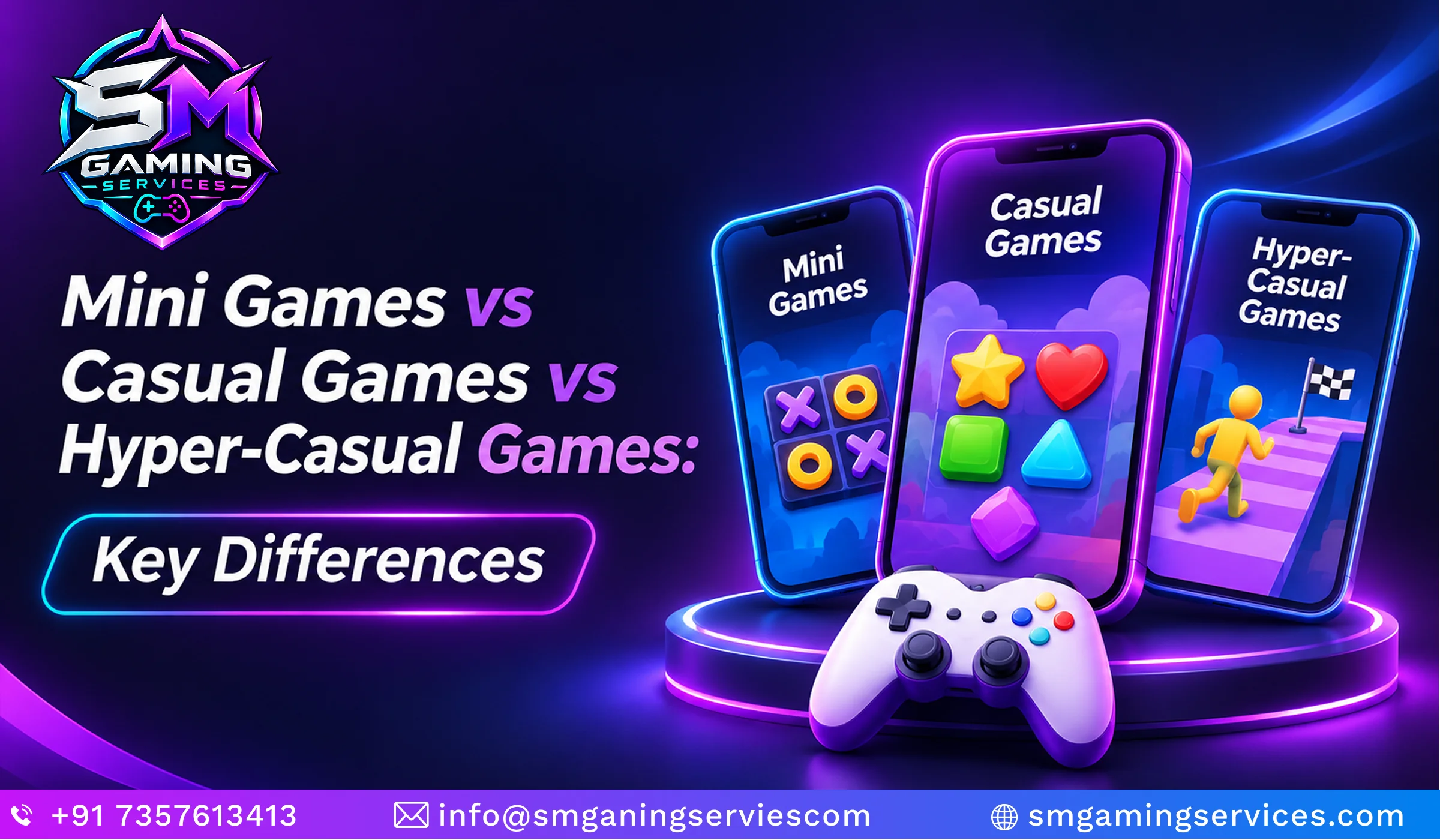
Mini Games vs Casual Games vs Hyper-Casual Games
Mini games, casual games, and hyper-casual games describe overlapping characteristics rather than mutually exclusive categories. Mini games emphasise a contained activity or limited scope. Casual games describe approachable experiences that do not necessarily demand extensive learning or long sessions. Hyper-casual commonly describes standalone games built around immediately understandable mechanics and minimal complexity. Consequently, one experience can fit more than one description. Comparing mini games vs casual games becomes easier when you separate the size of an activity from its accessibility, presentation, and relationship to a larger game or application around it.
What Is the Difference Between Mini Games and Casual Games?
The main difference is that mini games describe focused activities, while casual games describe an approachable style of play. A casual game can contain many levels, progression systems, and months of content. A mini game may offer only one challenge within that larger experience. Both can use simple controls, short sessions, and accessible rules, so overlap is common and unsurprising.
How Are Mini Games Different From Hyper-Casual Games?
Hyper-casual games generally present a simple mechanic as the core of a standalone experience. Mini games can do that too, but they can also exist as small activities inside other games or applications. Neither term guarantees a particular revenue model. Advertising, purchases, and promotional use are separate business decisions that should be evaluated alongside audience expectations and the overall experience.
Are Mini Games Always Part of a Bigger Game?
Mini games do not have to belong to a bigger game. A browser memory challenge can operate independently, while a fishing activity can sit inside an adventure or simulation. Collections can also bring several small challenges together. The distinction depends on delivery and context: ask whether the activity has its own entry point or supports another experience’s broader structure instead.
| Comparison Point | Mini Games | Casual Games | Hyper-Casual Games |
| Main emphasis | Contained challenge or activity | Accessible style of play | Immediately understandable core mechanic |
| Typical scope | Focused activity or small experience | Can include extensive levels and progression | Usually a simple standalone experience |
| Delivery | Standalone, embedded, or collected | Usually a complete game | Commonly a complete mobile game |
| Session structure | Often brief attempts | Short sessions or extended play | Often quick repeated attempts |
| Complexity | Varies by activity | Accessible, with room for depth | Usually minimal initial complexity |
| Category overlap | Can also be casual or hyper-casual | Can contain mini games | Can resemble standalone mini games |
Why Do Players and Businesses Use Mini Games?
Players use mini games for accessible entertainment, quick challenges, and opportunities to improve specific skills. Businesses use them to make information or campaigns more participatory. However, a playable experience only helps when its design serves a meaningful objective. A product matching activity might introduce a collection, while a training quiz checks understanding. Neither automatically produces stronger engagement or better learning. Results depend on relevance, usability, distribution, and measurement. Choosing suitable game development services begins with defining the audience, the desired action, and the evidence that would demonstrate success after launch.
Benefits of Mini Games for Players
Mini games give players a manageable challenge they can understand without committing to a lengthy experience. Quick attempts make it easier to experiment, learn from mistakes, and replay. Different formats exercise different abilities, such as recall, timing, or observation. Enjoyment remains personal, so useful options include adjustable difficulty, clear instructions, and controls that accommodate different preferences and abilities wherever possible.
- Easy entry into the activity.
- Short entertainment breaks.
- Opportunities to practise a specific skill.
- Replayable challenges.
- Optional friendly competition.
Benefits of Mini Games for Brands and Businesses
Mini games can give people an active role in discovering a brand or learning about its products. A quiz can explain features, while a matching challenge introduces visual familiarity. These experiences need a clear next step that fits the campaign. Measure participation and relevant follow-up actions together, because a high score or long session alone does not establish business value.
- Interactive product discovery.
- Campaign participation.
- Customer education.
- Repeat visits.
- Relevant transitions to product or service pages.
Educational and Training Use Cases
Educational mini games create opportunities to practise a skill and receive immediate feedback. A vocabulary challenge can reinforce word recognition, while a workplace quiz can reveal misunderstandings about a procedure. The learning objective should determine the mechanic and explanation. Avoid treating points as proof of understanding; check whether learners can apply the information after completing the activity in practice independently.
- Vocabulary and language practice.
- Maths exercises.
- Employee onboarding quizzes.
- Product training.
- Scenario-based knowledge checks.
Challenges and Limitations
Mini games can become repetitive when repeated attempts offer little variation or meaningful improvement. Confusing rules, difficult controls, intrusive promotions, and slow loading can also discourage participation. Competitive features may create additional demands around fairness and moderation. Test the complete experience, including entry and exit, rather than assuming a simple mechanic automatically produces an accessible or satisfying game for everyone.
- Repetitive gameplay.
- Unclear instructions.
- Sudden difficulty increases.
- Slow loading or poor device compatibility.
- Rewards that overshadow the activity.
How Mini Games Make Money
The ways mini games make money depend on their audience, platform, and purpose. Standalone experiences may use advertising, optional purchases, paid access, or subscriptions. Developers can also license games to businesses. Branded experiences may support revenue indirectly through product discovery or qualified enquiries. Each approach needs clear terms and measurement; participation alone does not show that a game generates profit.
| Revenue Approach | How It Works | Main Consideration |
| Advertising | Ads fund access or optional rewards | Balance revenue with player experience |
| Optional purchases | Players buy content or cosmetic items | Explain purchases clearly |
| Paid access | Players pay to access the experience | Provide sufficient value |
| Subscription | Games form part of a recurring membership | Maintain a worthwhile offering |
| Licensing | Businesses pay to use or customise a game | Define usage and ownership terms |
| Campaign support | Gameplay leads to relevant business actions | Measure outcomes beyond play counts |
How Are Mini Games Developed?
Mini games are developed by translating a clear objective into playable rules, controls, feedback, and a reliable delivery format. The process starts with the audience and ends with testing and improvement. Even a small project benefits from a working prototype before substantial investment in artwork or integrations. Mini Games development also requires decisions about accessibility, analytics, hosting, and ongoing support. Keeping the initial scope focused makes these choices easier to evaluate. Build the smallest version that demonstrates enjoyable gameplay, then expand only when testing identifies a useful reason to continue.
Define the Audience and Objective
Start by identifying who will play and what the experience should achieve. A classroom activity, promotional campaign, and entertainment app have different requirements. Describe the target player, their likely device, and the action that represents success. This brief becomes a practical reference for decisions, helping the team reject features that add effort without serving the game’s main purpose or audience.
- Define the target audience.
- Identify likely devices.
- Choose the primary objective.
- Set meaningful success measures.
Choose One Core Gameplay Mechanic
Choose the action players will repeat most often, such as matching, aiming, tapping, or answering. Build a rough prototype that tests whether this action feels understandable and satisfying. Keep presentation simple until the interaction works. Comparing custom vs white label mini games at this stage helps establish whether an existing framework fits or whether the mechanic requires development from scratch.
- Select one primary interaction.
- Match it to the objective.
- Prototype the basic loop.
- Test understanding before adding features.
Design Rules, Visuals, and Feedback
Define what players can do, what ends an attempt, and how success is communicated. Visuals should make important objects and actions easy to identify. Feedback should explain outcomes without relying only on colour or sound. Consistent controls, readable text, and useful instructions help players concentrate on the challenge, while unnecessary animation or interface clutter can make simple gameplay harder to follow.
- Establish winning and losing conditions.
- Make instructions readable.
- Use consistent visual cues.
- Provide accessible feedback.
Select the Platform and Technology
Choose technology according to how players will reach the experience and which capabilities it needs. HTML5 mini game development suits browser delivery, while native apps or game engines may suit other requirements. Check performance, offline expectations, integrations, and supported input methods. Embedded activities also need to work within the surrounding application’s navigation, loading behaviour, and overall technical constraints from launch.
- Browser: Website access and shared links.
- Mobile app: App-based navigation and device integration.
- Larger game: Shared systems, controls, and progression.
- Cross-platform: Adapted interfaces and testing across devices.
Test, Launch, and Improve
Test whether new players understand the objective and can complete basic actions without assistance. Review loading, responsiveness, accessibility, and behaviour across intended devices. After launch, examine completion, replay, and abandonment alongside feedback. Investigate why people leave before changing difficulty or rewards. Improvements should address observed problems rather than introduce additional features simply because they seem attractive during development or internal demonstrations.
- Observe first-time players.
- Test supported devices and browsers.
- Track completion and abandonment.
- Improve based on evidence.
What Affects Mini Game Development Cost?
Development cost depends on scope, artwork, platform requirements, integrations, testing, and ongoing support. A simple matching prototype differs substantially from a polished multiplayer campaign with accounts and reporting. Ask for estimates against a written feature list and acceptance criteria. Separate initial production from hosting, maintenance, and future changes so proposals remain comparable and the total commitment is easier to understand.
| Cost Factor | Simpler Requirement | More Demanding Requirement |
| Gameplay | One established mechanic | Several interacting mechanics |
| Artwork | Existing or basic assets | Original illustration and animation |
| Platforms | One browser environment | Multiple platforms and input methods |
| Multiplayer | Single-player experience | Online sessions and synchronisation |
| Integrations | No external systems | Accounts, CRM, rewards, or payments |
| Analytics | Basic event tracking | Custom reporting and dashboards |
| Maintenance | Limited content changes | Frequent campaigns and updates |
Conclusion:
Mini games turn a focused objective into a playable experience through understandable rules, responsive controls, and useful feedback. They can entertain, support learning, or introduce products, depending on their design and context. The right choice starts with the audience and purpose, followed by a mechanic that makes participation worthwhile. Keep the initial experience manageable, test it with real players, and measure outcomes that matter. Whether you choose a standalone browser puzzle or an embedded activity, thoughtful execution matters more than adding features, rewards, or unnecessary complexity to the final experience.
Ready to turn your mini game idea into an engaging digital experience? Whether you need a browser puzzle, mobile challenge, or branded campaign game, SM Gaming services can help you plan and develop a solution around your audience and goals. From choosing gameplay mechanics to testing across devices, our team supports each stage of development. Contact us today to discuss your requirements and take the first step toward launching your game.
Frequently Asked Questions
Q1. What Is a Mini Game in Simple Words?
Ans. A mini game is a small game focused on a particular challenge, such as matching cards, answering questions, or scoring a goal. It usually has understandable rules and a clear result. Some work independently, while others appear inside larger games or apps. The important feature is a contained activity, rather than a fixed length or a specific gaming platform.
Q2. What Are the Most Common Types of Mini Games?
Ans. Common types include puzzle, arcade, trivia, sports, rhythm, racing, and simulation mini games. Branded versions adapt these formats for campaigns or product discovery. Categories can overlap: a cooking challenge may combine simulation and timed reactions, while a product quiz combines education and promotion. Choose a type according to the action you want players to practise or enjoy during each attempt.
Q3. How Long Does a Mini Game Usually Last?
Ans. Mini games often support short attempts, but there is no universally accepted duration. A reaction challenge might end within seconds, while a puzzle or multiplayer round may take several minutes. Session length also differs from total play time because players can repeat attempts. Judge the experience by its contained objective and scope rather than by an arbitrary stopwatch limit.
Q4. Can You Play Mini Games Without Downloading an App?
Ans. Yes, many browser mini games work through a web page without requiring a separate app installation. You usually open a link and interact with the loaded game. However, requirements vary: some experiences need an account, a supported browser, or an active internet connection. Browser delivery still involves downloading game assets temporarily as the page loads onto your device during access.
Q5. What Is the Difference Between a Mini Game and a Casual Game?
Ans. A mini game describes a focused activity, while a casual game describes an accessible style of play. A casual title may include extensive levels and progression despite being easy to learn. A mini game may be one short challenge within it. The categories overlap, so neither simple controls nor brief sessions alone create a strict distinction between the two terms.
Q6. Are Mini Games Single-Player or Multiplayer?
Ans. Mini games can support either single-player or multiplayer experiences. A memory challenge might track personal performance, while a racing activity lets friends compete. Multiplayer can involve simultaneous play, alternating turns, or comparing results asynchronously. The format depends on the design. Online competition also introduces additional requirements, including synchronisation, connection handling, fair scoring, and sometimes moderation or account management for participants.
Q7. How Do Businesses Use Mini Games for Marketing?
Ans. Businesses use mini games to introduce products, explain features, encourage campaign participation, or support repeat visits. A matching puzzle might showcase a collection, while a quiz helps visitors explore relevant options. The activity should connect naturally to the campaign goal. Measure meaningful follow-up actions alongside participation, and explain any rewards or information requests clearly before players commit to the experience.
Q8. How Much Does It Cost to Develop a Mini Game?
Ans. There is no universal mini game development price because scope and delivery requirements vary. Original artwork, multiplayer functionality, integrations, analytics, and platform coverage all affect the estimate. Request proposals based on the same written requirements, including testing and support. A small prototype can help validate the mechanic before you commit to producing a complete experience with all planned features included.

1 Comment
[…] they must match cards, answer questions, collect objects, or solve a puzzle. For businesses, Mini Games development planning begins with connecting that activity to a useful outcome. The objective might […]