

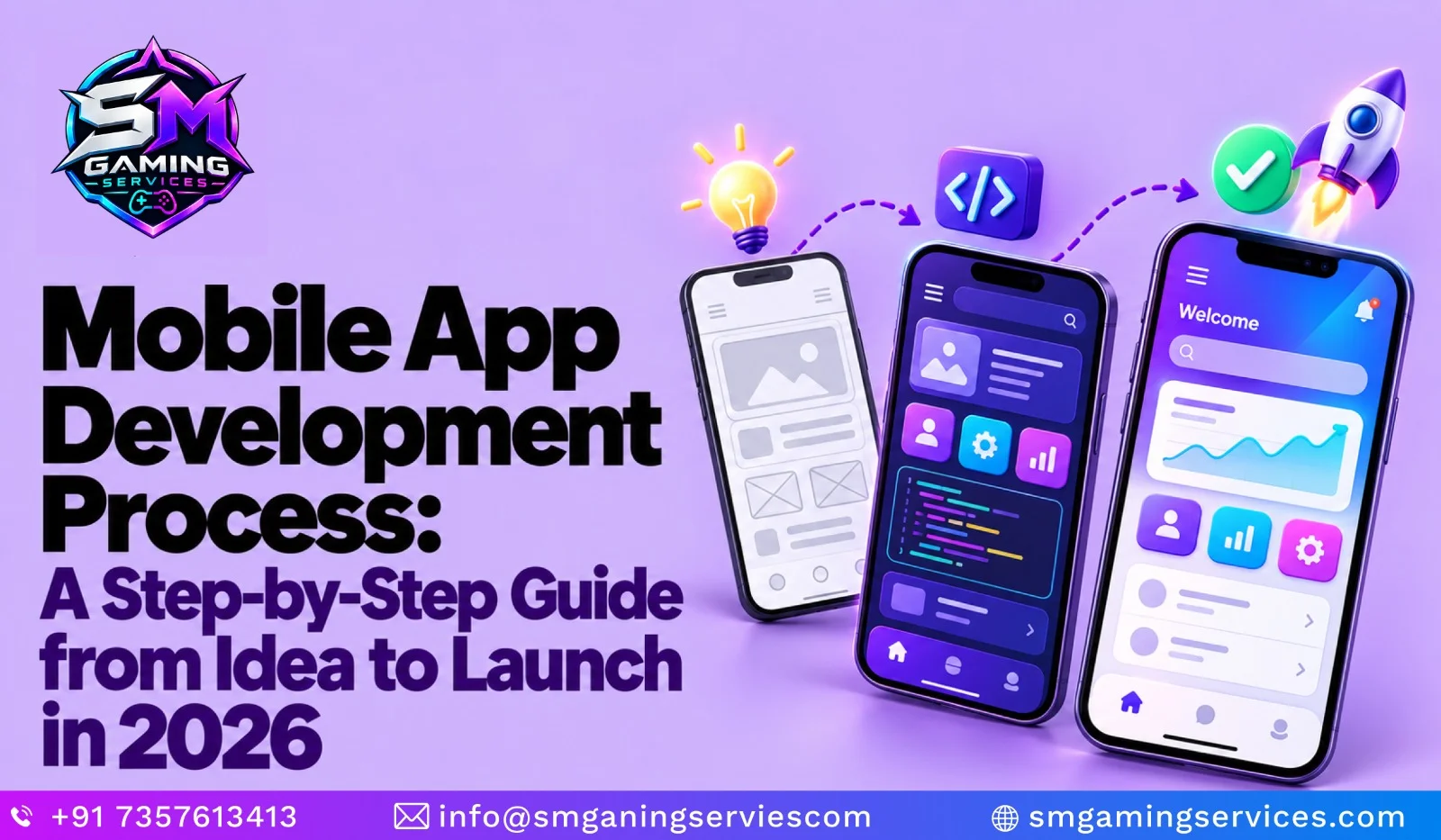
The mobile app development process takes an idea through research, planning, design, development, testing, launch, and ongoing improvement. Each stage helps answer a practical question: does the app solve a real problem, can people use it comfortably, and will it work reliably when they need it?For business owners and startups, the challenge is often deciding what to build first. An exciting idea can quickly become an expensive feature list without clear priorities. A structured approach helps you understand your audience, define essential features, and make informed decisions before committing your development budget.
This guide explains how to develop a mobile app from idea to launch, with practical steps you can discuss with your team or development partner. It also covers the factors that influence delivery timelines, development costs, and maintenance after release.
Whether you are planning a booking platform, shopping app, learning tool, or business application, understanding the mobile app development lifecycle gives you a clearer starting point and a practical framework for reviewing progress throughout your project with confidence.
What Is the Mobile App Development Process?
The mobile app development process is the organised sequence of activities used to plan, build, release, and maintain an application. It starts with understanding a user problem and continues through research, feature planning, design, coding, testing, and deployment.
These app development stages are connected rather than completely separate. Testing may reveal a design problem, while user feedback may change feature priorities. The purpose is to make decisions using evidence, reduce avoidable rework, and deliver an app that serves its intended audience. Launch begins another cycle of learning, maintenance, and improvement.
Step-by-Step Mobile App Development Process
A step-by-step mobile app development process helps turn broad goals into manageable decisions and deliverables. Each stage should produce something you can review, such as research findings, a feature list, a prototype, or a tested release.
Before work begins, agree on responsibilities, approval points, and the definition of completion. This makes progress easier to assess and helps prevent misunderstandings about scope. The stages below provide a practical framework, although teams often revisit earlier decisions as they learn more about user needs, technical constraints, and the behaviour of the developing product.
| Step | Development Stage | Key Activities | Main Deliverable |
|---|---|---|---|
| 1 | Validate Your App Idea | Research your audience, identify user problems, and analyse competitors. | A validated problem and clear target audience. |
| 2 | Define Features and Plan Your MVP | Prioritise essential features, document requirements, and set the initial scope. | A minimum viable product (MVP) feature list. |
| 3 | Choose Your Platform and Technology | Compare Android, iOS, native, and cross-platform options against project needs. | A platform decision and technical plan. |
| 4 | Create the App UI/UX Design | Develop user flows, wireframes, and prototypes; test important interactions. | A reviewed design prototype. |
| 5 | Develop the App and Backend | Build app features, backend services, APIs, and required integrations. | A working application ready for testing. |
| 6 | Perform Mobile App Testing | Check functionality, usability, accessibility, performance, and security. | A tested build with critical issues resolved. |
| 7 | Prepare App Deployment and Launch | Prepare release builds, store listings, submission materials, and launch support. | An approved, published app. |
| 8 | Maintain and Improve Your App | Monitor performance, fix bugs, gather feedback, and release updates. | Ongoing improvements guided by user needs. |
Step 1 — Validate Your App Idea
Validate your idea by checking whether the intended audience experiences the problem you want to solve. Speak with potential users, review competing products, and understand existing workarounds. Ask about actual behaviour rather than whether someone likes your concept. Record the main problem, target audience, and expected benefit. These findings help you decide whether the idea deserves further investment and development.
Step 2 — Define Features and Plan Your MVP
Define the smallest set of features that lets users complete your app’s main task. This becomes your minimum viable product (MVP). For a booking app, priorities might include browsing availability, making reservations, and receiving confirmation. Separate essential functions from future additions. A focused feature list helps control scope while creating a usable product for gathering meaningful feedback from early customers.
Step 3 — Choose Your Platform and Technology
Choose your platform using audience needs, device usage, required features, and available resources. Decide whether your first release needs Android, iOS, or both. Compare native and cross-platform approaches against your actual requirements. Ask developers to explain integration options, maintenance implications, and technical limitations. A small technical prototype can help evaluate difficult features before committing to the complete application development project.
Step 4 — Create the App UI/UX Design
App UI/UX design defines how the application looks and how people move through it. Start with user flows, then create wireframes and an interactive prototype. Test whether users can complete important tasks without guidance. Review navigation, readability, accessibility, and error messages. Resolve confusing interactions before development, when changing a screen usually requires less effort than rebuilding an implemented user journey.
Step 5 — Develop the App and Backend
Development turns approved designs and requirements into working software. The team builds app screens, business logic, backend services, and necessary integrations. Agree on milestones that demonstrate complete user journeys rather than isolated screens. Review progress regularly and confirm acceptance criteria. Address authentication, data handling, and failure scenarios alongside normal functionality, so reliability becomes part of implementation from the earliest stages.
Step 6 — Perform Mobile App Testing
Mobile app testing checks whether the product works correctly under realistic conditions. Test essential journeys, supported devices, network interruptions, and unexpected inputs. Include usability, accessibility, performance, and security checks appropriate to the app. Prioritise issues by their effect on users. Retest fixes and important existing features before release, using a documented checklist to make launch decisions consistent across the team.
Android’s official quality guidance provides a useful reference for checking compatibility, user experience, and core functionality. developer.android.com
Step 7 — Prepare App Deployment and Launch
App deployment includes preparing release builds, store information, screenshots, support details, and required declarations. Check the current submission requirements for each target store before uploading. Verify that the production environment, integrations, and account access work correctly. Plan how users will discover the app and receive help. Allow time to address review feedback and issues discovered during the initial release period.
Android provides release preparation guidance, while Apple requires submissions to pass its review process before App Store distribution. developer.android.com
Step 8 — Maintain and Improve Your App
After launch, monitor crashes, performance, support requests, and completion of important user journeys. Use this information to prioritise fixes and improvements. Maintain dependencies, review platform changes, and check integrations regularly. Gather feedback from the intended audience rather than relying only on download totals. Release updates with clear goals, then assess whether they improve the experience or resolve the identified problem.
How Long Does It Take to Develop a Mobile App?
There is no single timeline for mobile app development. The schedule depends on feature scope, design readiness, integrations, supported platforms, team capacity, and testing requirements. A focused application has different needs from a marketplace with payments and multiple user roles. If your plans include features inspired by mobile app development trends, consider how they affect development and testing time.
To answer “how long does it take to develop a mobile app,” first define the release scope. Ask your development partner for estimates by milestone, including assumptions and dependencies. Keep optional features separate, and allow room for feedback, bug fixes, and store submission work before setting a public launch date.
| Project scope | Features that influence the timeline |
|---|---|
| Focused MVP | One main user journey, limited screens, and basic data handling |
| Booking or shopping app | Accounts, transactions, notifications, and external integrations |
| Marketplace app | Buyer and seller journeys, administration, payments, and moderation |
| Complex connected app | Real-time features, custom infrastructure, or multiple business systems |
What Is the Cost of Developing a Mobile App in 2026?
The cost of developing a mobile app in 2026 depends on what you need to build and support. Important factors include feature complexity, platform choices, design requirements, backend development, integrations, testing, and the team’s rates.A useful estimate separates initial development from ongoing expenses. Hosting, external services, maintenance, and future improvements may require additional budgets. Compare proposals using the same requirements and deliverables. Ask what each quote includes, which assumptions could change the price, and how additional work is approved. A detailed scope makes comparisons more meaningful than headline prices.
| Cost component | What to clarify before approving a quote |
|---|---|
| Research and planning | Workshops, requirements, technical assessment, and scope documentation |
| App UI/UX design | User flows, screens, prototypes, and revision rounds |
| App development | Platforms, features, user roles, and integrations |
| Backend development | APIs, database, administration tools, and infrastructure |
| Mobile app testing | Devices, test coverage, issue resolution, and release checks |
| App deployment | Store preparation, submissions, and launch assistance |
| Ongoing operation | Hosting, service subscriptions, monitoring, support, and maintenance |
Conclusion:
A successful mobile app development process connects a clear user problem with thoughtful planning, usable design, dependable development, and careful testing. Every stage should help you make the next decision with better information. Start with essential features, review working progress, and treat launch as the beginning of ongoing improvement.
If you are planning an application, SM Gaming Services can discuss your goals and mobile app development requirements. Contact us today to explore your idea, clarify the initial scope, and identify practical next steps for moving your project towards launch with confidence.
Frequently Asked Questions
Q1. What Are the Main App Development Stages?
The main app development stages include idea validation, requirements planning, platform selection, app UI/UX design, development, testing, deployment, and maintenance. Each stage should produce a clear deliverable, such as a feature list or tested prototype. Teams may revisit earlier decisions when feedback reveals problems, helping keep the mobile app development process aligned with user needs.
Q2. How Do You Develop a Mobile App from Idea to Launch?
Start by identifying a user problem and researching your audience. Define essential features, choose suitable technology, and test a design prototype. Build the app and any required backend, then perform mobile app testing. Prepare app deployment and launch support. After release, monitor performance and gather feedback to guide improvements throughout the mobile app development lifecycle.
Q3. Why Is an MVP Important in Mobile App Development?
A minimum viable product (MVP) helps you test your app’s main purpose before investing in additional features. It gives early users a focused, usable experience and lets you observe what works or causes confusion. For startups, this approach supports clearer priorities and informed spending. Essential usability and reliability should remain part of the first release.
Q4. Should You Launch on Android and iOS Together?
Launch on both platforms when your audience uses both and your budget supports development, testing, and maintenance. Starting with one platform can help keep the initial scope manageable. Compare audience device preferences, required functionality, and business goals before deciding. Your mobile app development partner should explain how each option affects the project’s cost and delivery schedule.
Q5. How Long Does It Take to Develop a Mobile App?
The timeline depends on features, supported platforms, integrations, design readiness, and testing needs. A focused MVP requires different work from a marketplace with payments and multiple user roles. To estimate how long it takes to develop a mobile app, define the scope and request milestone estimates that include feedback, issue resolution, and launch preparation.
Q6. What Affects the Cost of Developing a Mobile App in 2026?
The cost of developing a mobile app in 2026 depends on feature complexity, platform choices, app UI/UX design, backend requirements, integrations, testing, and developer rates. Ongoing expenses can include hosting, maintenance, and third-party services. Compare quotes against the same scope, and ask which deliverables, revisions, and support activities are included before approving a budget.
Q7. What Happens After a Mobile App Launch?
After launch, teams monitor performance, fix bugs, respond to support requests, and review user feedback. The mobile app development lifecycle also includes maintaining dependencies and checking compatibility with platform updates. Prioritise improvements that address real user problems. Agree on maintenance responsibilities, response expectations, and an ongoing budget before launch to support the app’s continued operation.


